The Confirmation check box is displayed only when there are records that require confirmation. You can confirm records without running the data processing.
To confirm submitted records:
-
Select the Confirmation check box, if this is not already done.
Important.Make sure the Data Processing check box is not selected.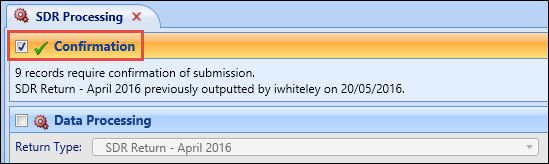
-
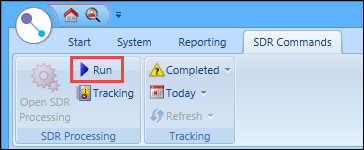
Select the Run button on the SDR Commands ribbon.
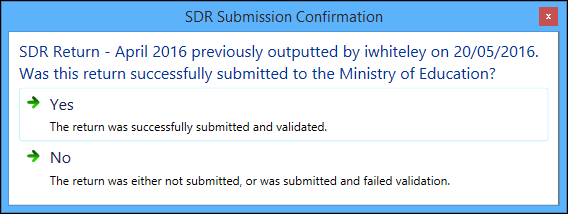
The SDR Submission Confirmation message is displayed.
-
Select Yes to confirm the submission of the records.
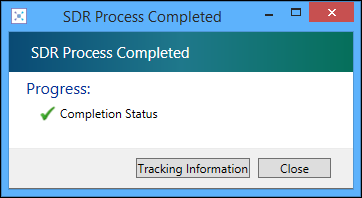
The SDR Process Completed message is displayed.
-
Select the Tracking Information button to display the SDR Tracking screen. Alternatively, select the Close button to close the message.
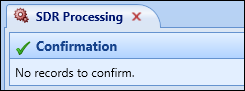
The confirmation status now shows that there are no records to confirm.
 Important.A SQL database snapshot of all the records submitted in each confirmed SDR is created by EBS.